
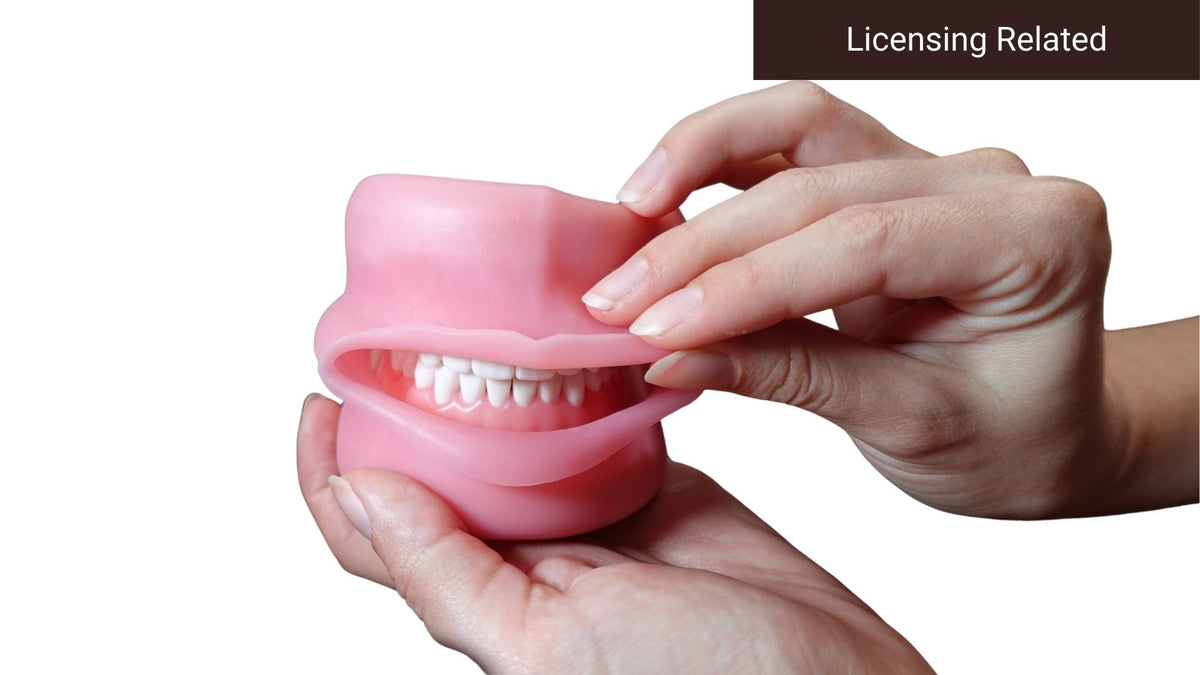
User guide for the Typodont with Oral Cavity Cover
How to work on the teeth, gingiva and articulator with the oral cavity cover in place, keep the model in proper occlusion, and add magnetic plates.
This guide is for the Typodont with Oral Cavity Cover configuration. Each section below shows the steps in order with photos. Jump to the task you need from the contents list.
Need to add magnetic plates?
This typodont does not include magnetic plates. You can buy them separately, as a replacement or add-on, or order the typodont as a fully assembled combination. This guide also shows you how to install them.
Protect the oral cavity cover
If you need to open the typodont wide to reach a tooth, remove the cover fully first. If you only lift it partway, do not overstretch it, and keep sharp or pointed instruments away from the material.
Contents
- Removing the teeth
- Attaching the teeth
- Removing and attaching the gingiva
- Removing and attaching the articulator
- Ensuring proper occlusion
- Removing the oral cavity cover
- Putting on the oral cavity cover
- Attaching the magnetic plates
- Removing the magnetic plates
Removing the teeth

Attaching the teeth

Removing and attaching the gingiva

Removing and attaching the articulator

Ensuring proper occlusion

Removing the oral cavity cover

Putting on the oral cavity cover

Attaching the magnetic plates

Removing the magnetic plates

Comparing configurations? See the 700 Series typodont user guide. For anything not covered here, email support@candent.ca with a photo and we will help.
Shop the 700 Series typodont